01
Video Ads from Scripts
Turn ad scripts, offers, and hooks into videos for paid social testing.
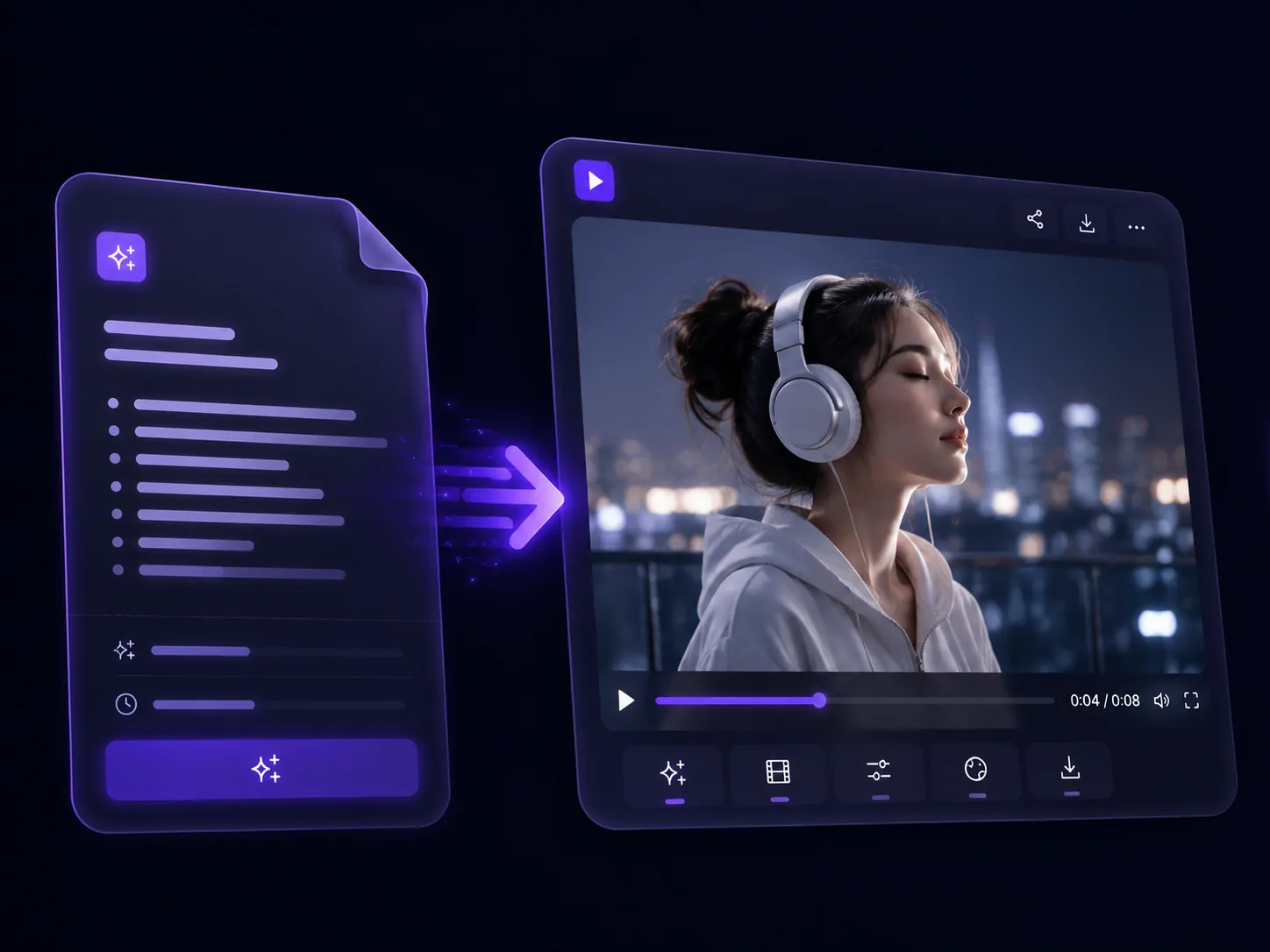
Turn finished scripts, hooks, voiceovers, and campaign outlines into video formats your team can publish faster.
Turn ad scripts, offers, and hooks into videos for paid social testing.
Create creator-style drafts from scripts for ecommerce and social campaigns.
Turn scripted product benefits and use cases into clear demo videos.
Turn explainer scripts and outlines into clear product education videos.
Turn short scripts into videos for Shorts, Reels, TikTok, and social channels.
Turn brand scripts and message arcs into polished campaign videos.
Pick a role, paste a script, and start creating with Movo.
Paste a script. Movo turns it into a production plan, then helps you generate and refine the video.
Start with an ad script, voiceover, product script, outline, or creator brief.
Movo maps the script into intent, scene flow, asset needs, pacing, and creative direction.
Adjust tone, scene order, visual style, or CTA, then prepare the video for ads and social channels.
Browse example outputs built from ad scripts, product scripts, creator scripts, and explainer outlines.
Script: Open with a morning problem, show the product, then end with a limited-time CTA.
Script: Introduce the benefit, show two use cases, then close on a clear product shot.
Script: Explain the problem, walk through the solution, and finish with the outcome.
Script: Start with a casual hook, show the product in use, and keep the ending natural.
Script: Lead with motion, highlight the product detail, and end with a simple CTA.
Use Movo to turn scripts into planned video projects with scene direction, style, and pacing built in.
Movo turns your script into video scenes, pacing, and visual direction before generation begins.
Generate video drafts from ad scripts, creator scripts, product scripts, and voiceover outlines.
Shape the opening hook, product message, and final CTA for stronger campaign videos.
Plan narration, captions, and on-screen messaging around the script structure.
Keep product details, lighting, scene direction, and visual style aligned across the video.
Rewrite scenes, adjust pacing, or change the message without starting the project over.
Movo plans before it generates, helping longer scripted videos keep products, scenes, lighting, and pacing consistent.
Find the right tool by input type or use case.
Answers for creators and teams comparing script-to-video tools, free trials, editing, privacy, and commercial use.
An AI script-to-video generator turns written scripts, voiceovers, hooks, or outlines into video content. Movo goes further by acting as an autonomous AI video agent that helps plan, generate, refine, and deliver production-ready video projects.
Paste a script, voiceover, product outline, or campaign brief. Movo turns your input into a production plan with video intent, scene flow, asset needs, pacing, and creative direction.
Yes. Movo offers a free trial with complimentary credits, so you can test the autonomous video workflow firsthand. You can upgrade to a paid plan for advanced agent skills, higher rendering priority, and expanded memory.
Yes. Movo is built for follow-up instructions, so you can refine scene direction, pacing, style, product details, and other parts of the same video project instead of starting over.
Yes. You can paste a script and add images or references when you need more control over product details, visual style, characters, scenes, or lighting consistency.
Videos created on the free plan include a Movo watermark. To export watermark-free content and unlock premium quality, upgrade to any paid plan.
Movo provides the tools for video creation, but you are responsible for reviewing local copyright laws and ensuring your content complies with applicable regulations and third-party rights before commercial use.
Your privacy is a priority. Uploaded assets and generated content are automatically deleted from Movo servers within 7 days, helping keep your creations private and under your control.
Most script-to-video tools turn a script into a simple clip. Movo understands your products, assets, and goals, then supports longer production workflows with planning, continuity, visual consistency, and final video delivery.
Paste a script, hook, or voiceover. Movo carries it into the agent workflow, plans the scenes, and helps you refine the final result.
Try it for FreeYour scripts, references, and generated videos stay private and under your control.