For Marketers
Prompt exampleCreate a 20-second video ad for a premium coffee brand, focused on morning energy and a limited-time offer.
Start now
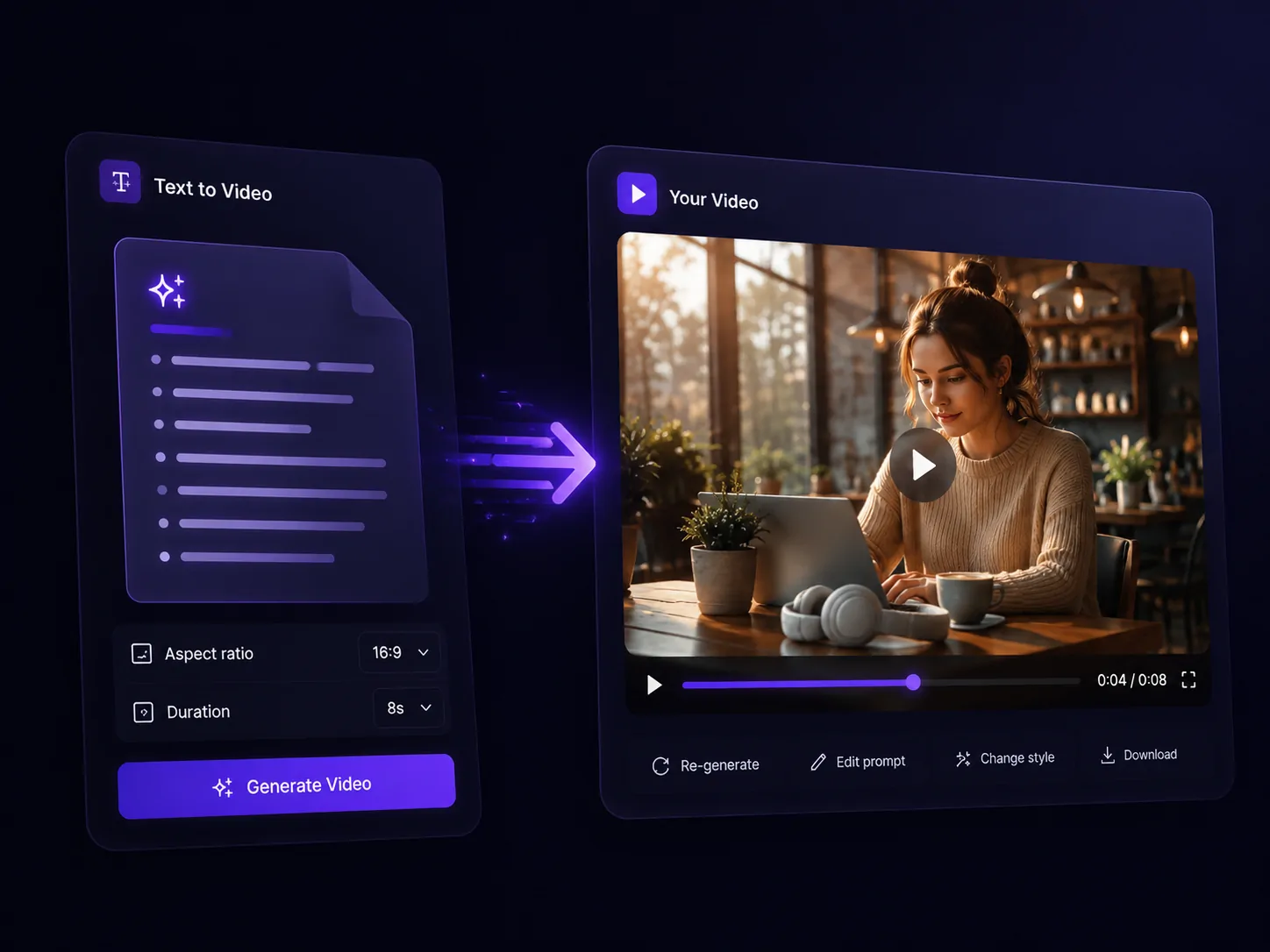
Pick a role, use a prompt, and start creating with Movo.
Start with a prompt. Movo turns text into video drafts you can refine with simple instructions.
Start with an idea, product description, script, outline, or brief.
Upload images or add visual direction when you want more precise styling.
Movo maps your idea into video intent, scene flow, asset needs, and creative direction.
Ask for a new tone, scene order, style, pacing, or message.
Prepare the finished video for ads, social, product pages, or presentations.
Browse example outputs built from common business prompts and creative briefs.
Start with a campaign idea and generate a polished draft for paid social or a launch page.
Turn product notes, benefits, and use cases into a clean demo video with consistent details.
Turn an outline or product brief into a short video that explains the value clearly.
Use a campaign angle to shape a more natural creator-style video concept.
Turn a product hook into a short social-ready reel with a clear visual angle.
Use Movo to plan, generate, and refine videos while keeping product details, scene direction, and style consistent.
Start with a short idea, product note, campaign brief, or creative direction.
Turn scripts and outlines into structured video scenes.
Add images to guide product details, style, or visual direction.
Let Movo turn your idea into a production plan with scenes, pacing, and creative direction.
Keep context, assets, and direction available as your video evolves.
Refine scenes, pacing, and style with simple instructions.
Movo plans before it generates, helping longer videos keep products, scenes, and lighting consistent.
Find the right tool by input type or use case.
Answers about turning prompts, scripts, and product ideas into videos with Movo.
An AI text-to-video generator turns prompts, scripts, product descriptions, or campaign ideas into structured video scenes. Movo helps plan the video, generate visuals, and refine the result from text.
Yes. You can start with a text prompt, idea, or short brief, and Movo helps turn it into planned scenes, visuals, and a video draft that you can refine.
Text-to-video is one workflow inside AI video generation. It focuses on turning written input into video scenes instead of starting from an uploaded image or finished footage.
Text-to-video starts from prompts, scripts, or ideas. Image-to-video starts from an existing image and adds motion, camera direction, or scene changes to that visual.
Yes. Movo can help turn campaign hooks, product descriptions, and social content ideas into video concepts for ads, product demos, reels, and brand campaigns.
Yes. You can use follow-up instructions to adjust scenes, pacing, style, product details, and creative direction without starting over.
Videos created on the free plan may include a Movo watermark. Paid plans can unlock watermark-free exports and higher production limits.
You can use Movo to create videos for marketing, product, and social workflows, but you are responsible for reviewing rights, usage rules, and local regulations before commercial use.
Your prompts, uploaded references, and generated videos stay private and under your control. Movo is designed for teams that need secure creative workflows.
Start with a prompt, script, or product idea. Movo plans the video, keeps the style consistent, and helps you refine the final result.
Try it for FreeYour prompts, assets, and generated videos stay private and under your control.